
Sign in with your PCCC credentials
-
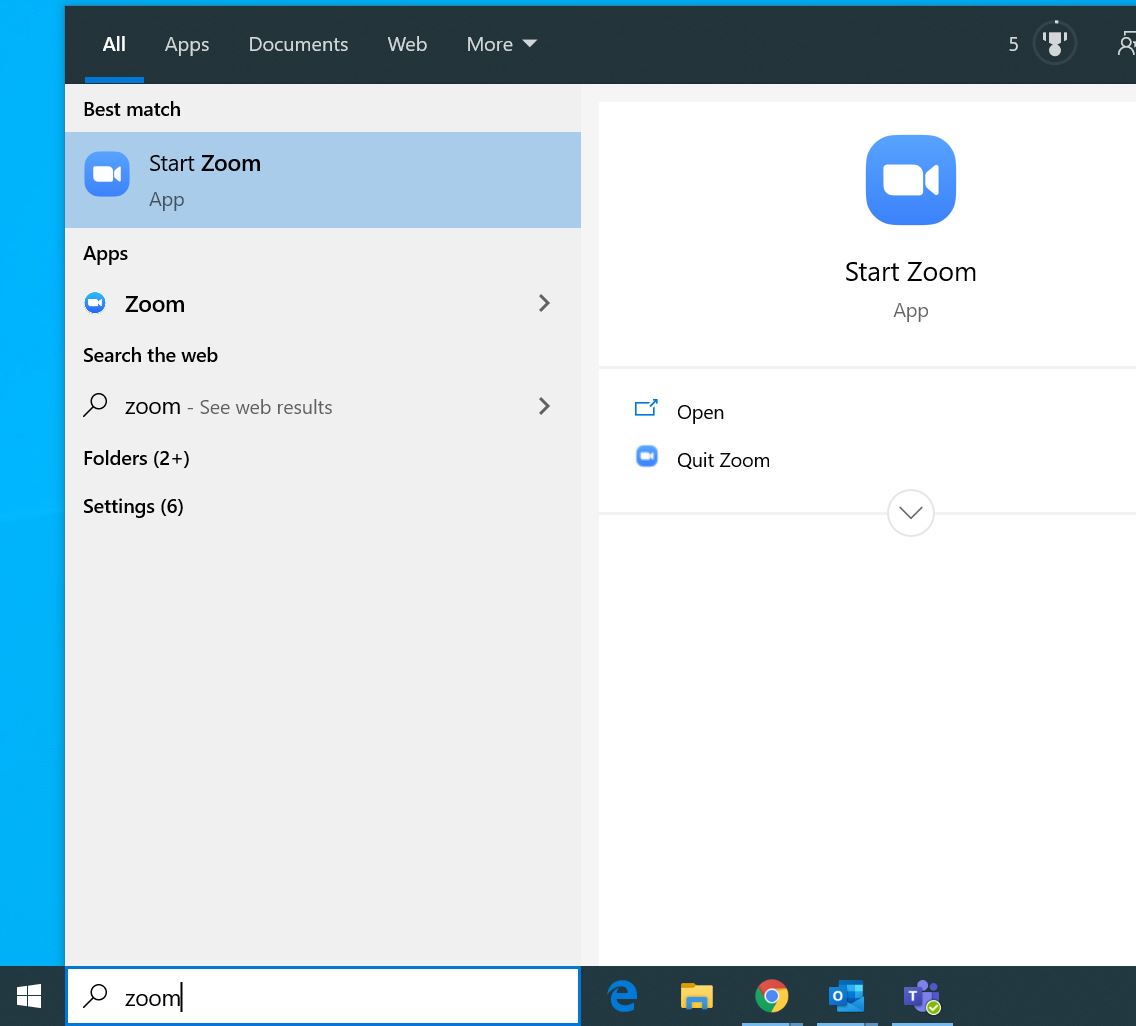
Open the installed Zoom application. In Windows you can find it on your start menu, by searching in Windows or it may be on your desktop.
-
If you are signed in, Click on your name icon in the upper right corner then click Sign Out
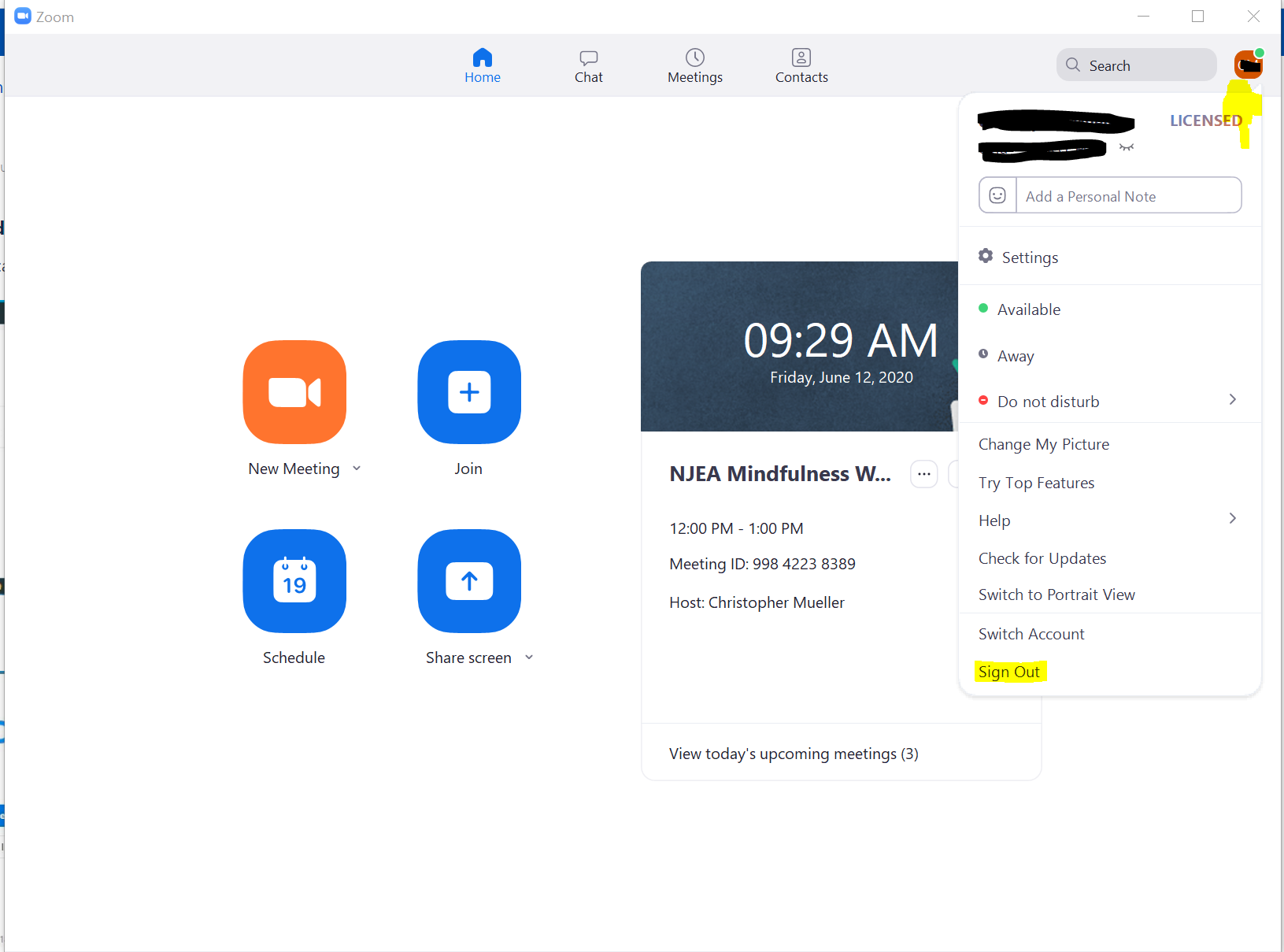
Sign Out if logged in with a different account -
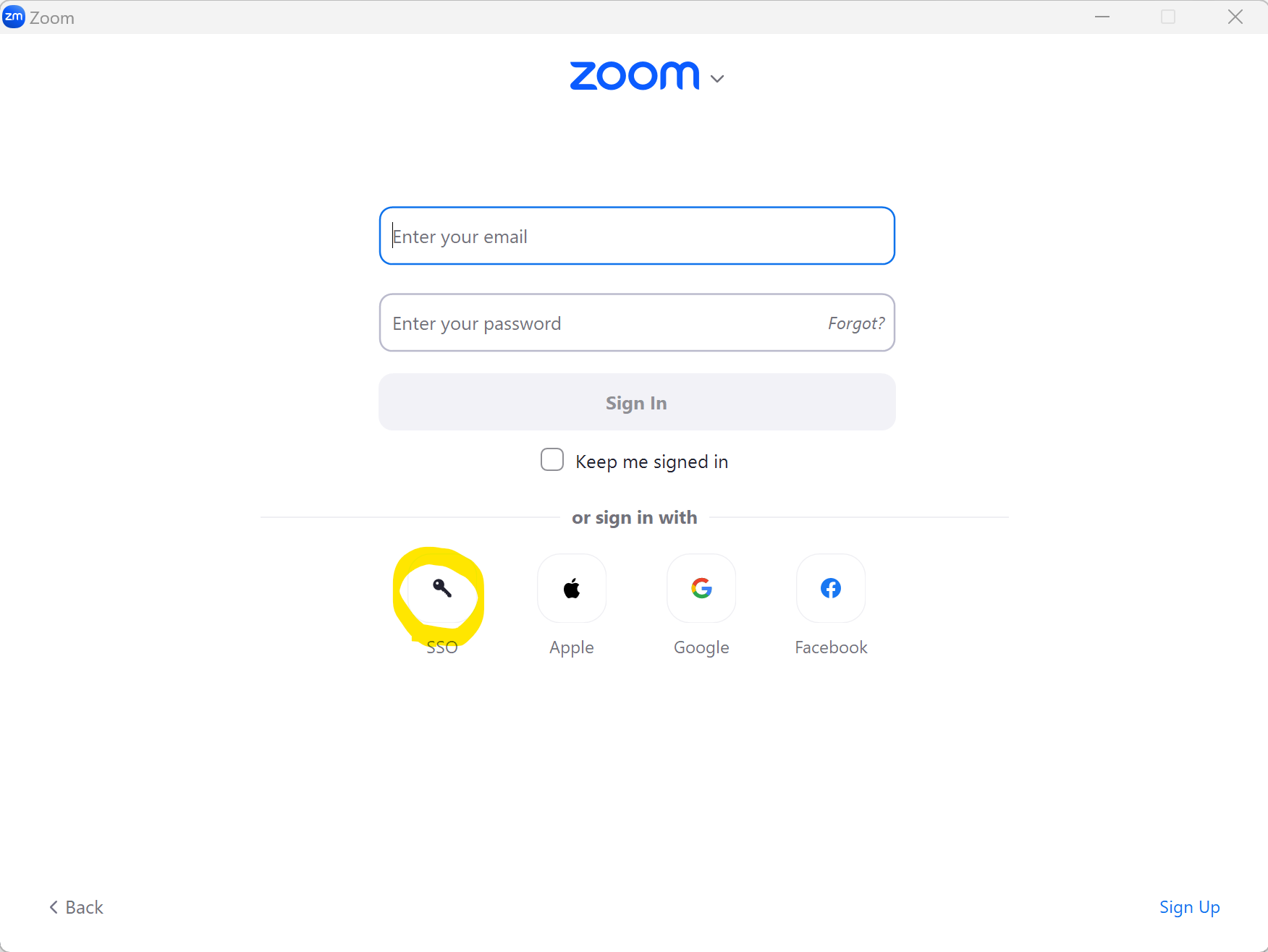
Select Sign in with SSO
-
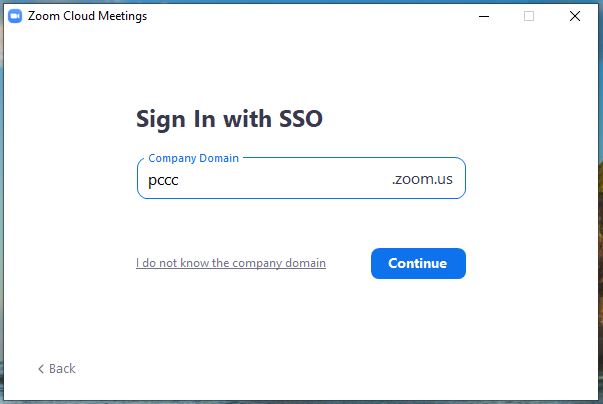
Type in "pccc" and click Continue
-
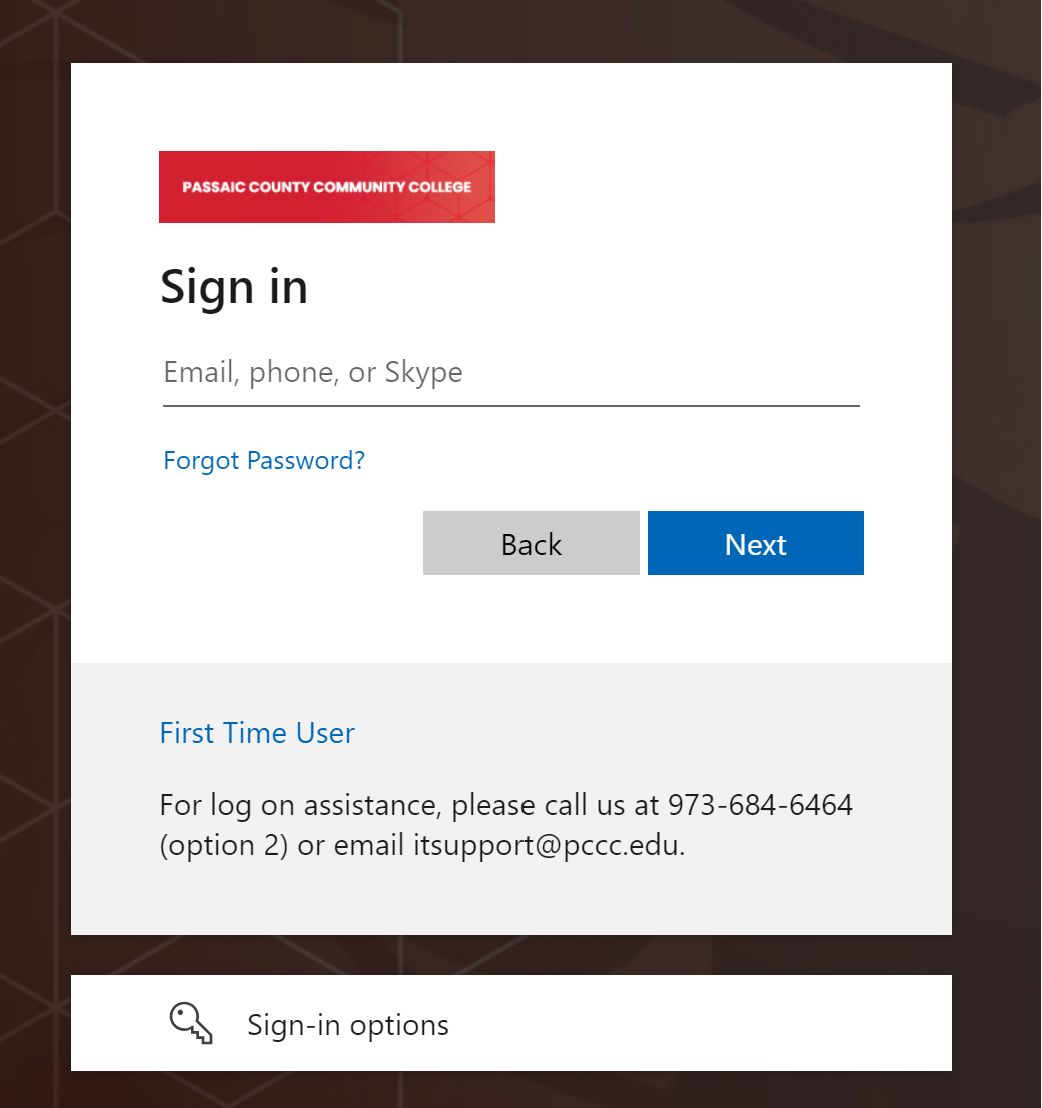
Type in your PCCC User ID and Password
-
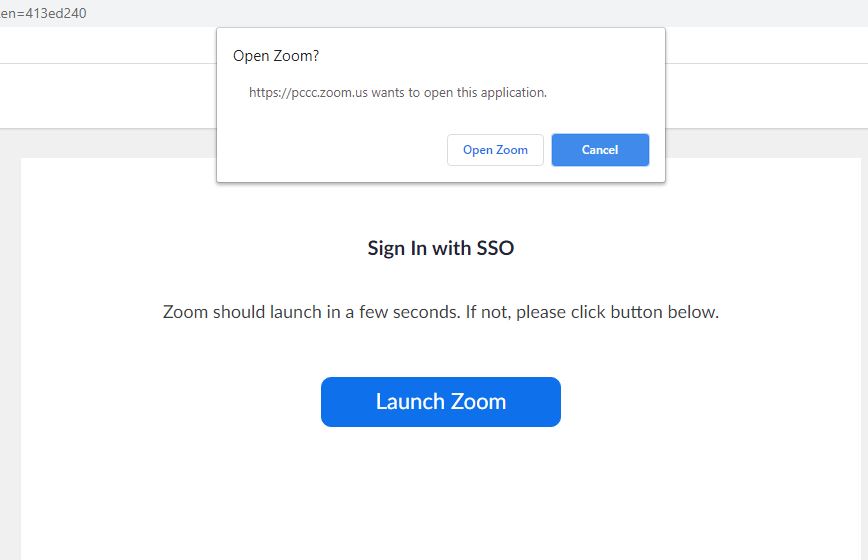
A pop up window will appear. Click "Open Zoom"
-
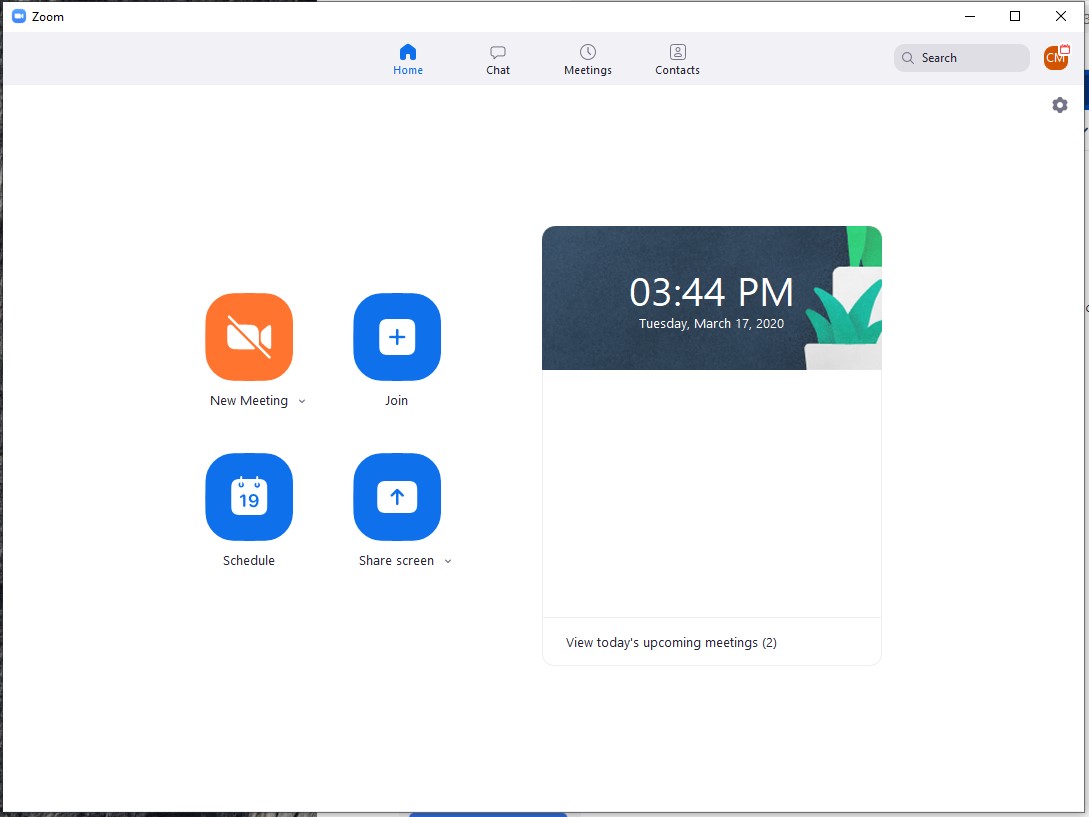
You are now logged in to the zoom interface
Related articles