
Viewing a Zoom video Share
-
Make sure you are signed out of zoom on all web browsers.
-
Click the link the professor shared with you making note of the share password
-
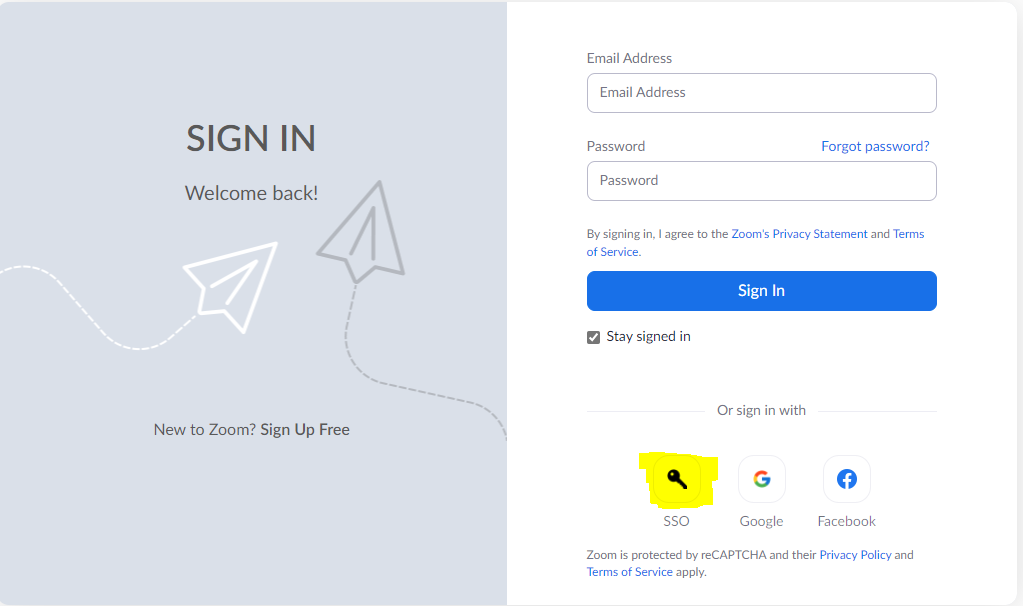
Select Sign in with SSO
-
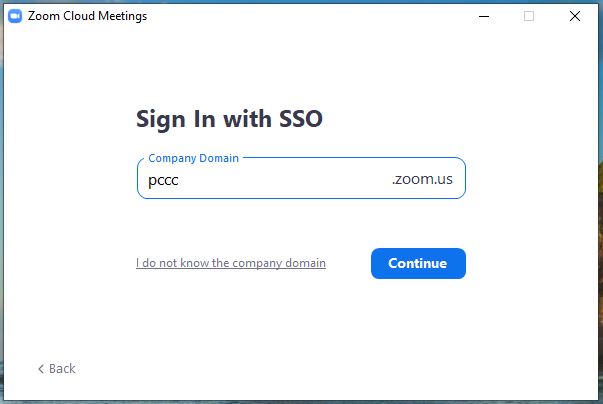
Type in "pccc" and click Continue
-
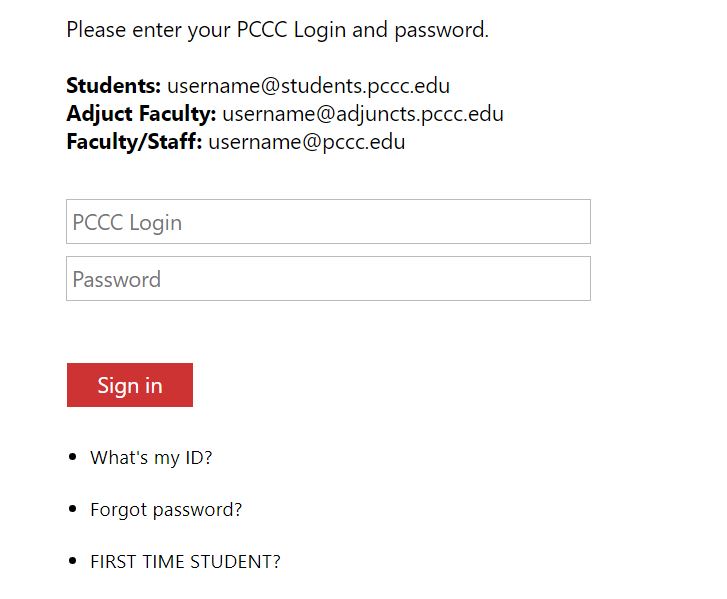
Type in your PCCC User ID and Password
-
You are now Authenticated to Zoom
-
Type in the share password if needed
Related articles