
This article will assist you with updating your profile picture in Zoom
Step-by-step guide
-
Sign In to https://pccc.zoom.us
-
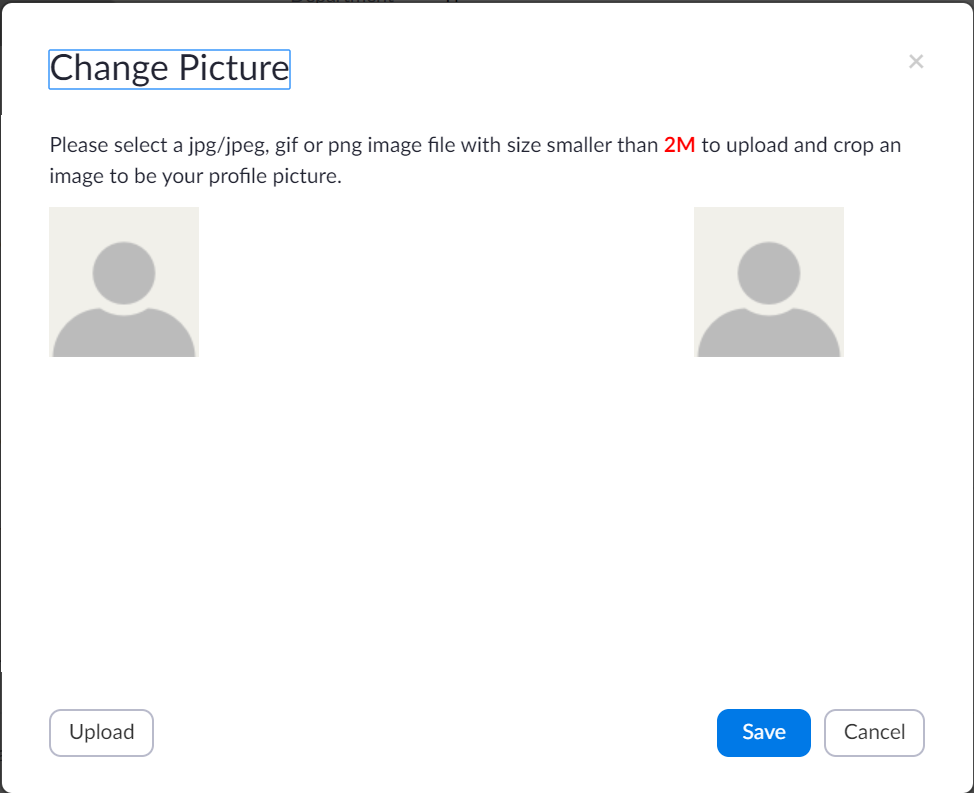
On the profile page, under the person icon, click Change

-
Upload your image by clicking Upload and selecting the picture from your computer then Click Save
Related articles