
PCCC Recommendation
To enhance security, only users signed into zoom with their PCCC ID will be admitted to meetings without Host involvement. PCCC recommends students, faculty and staff make sure they are signed into zoom using "SSO" as outlined in the Signing into Zoom with PCCC Credentials
Joining Zoom from a Blackboard class
-
Launch and Log In to the Zoom Application on your Phone, Tablet, or Computer and Log In with your PCCC credentials.
-
Log into your blackboard class
-
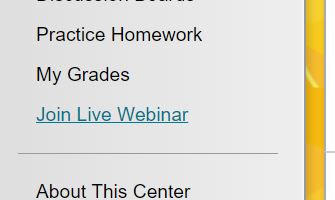
On the left tool bar, select Join Live Webinar if your instructor has the link in the class.
-
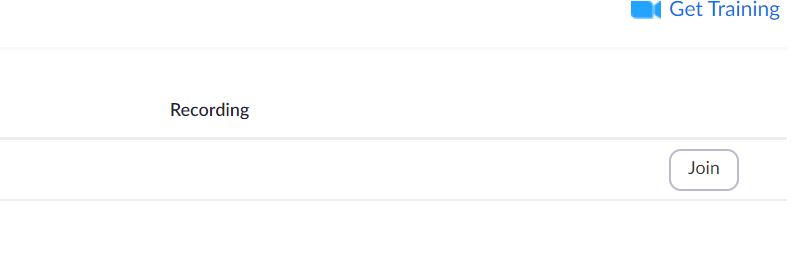
Select the meeting and click join
Related articles