
This article will help users ensure they are signed into Zoom Using their PCCC Credentials.
Instructions
-
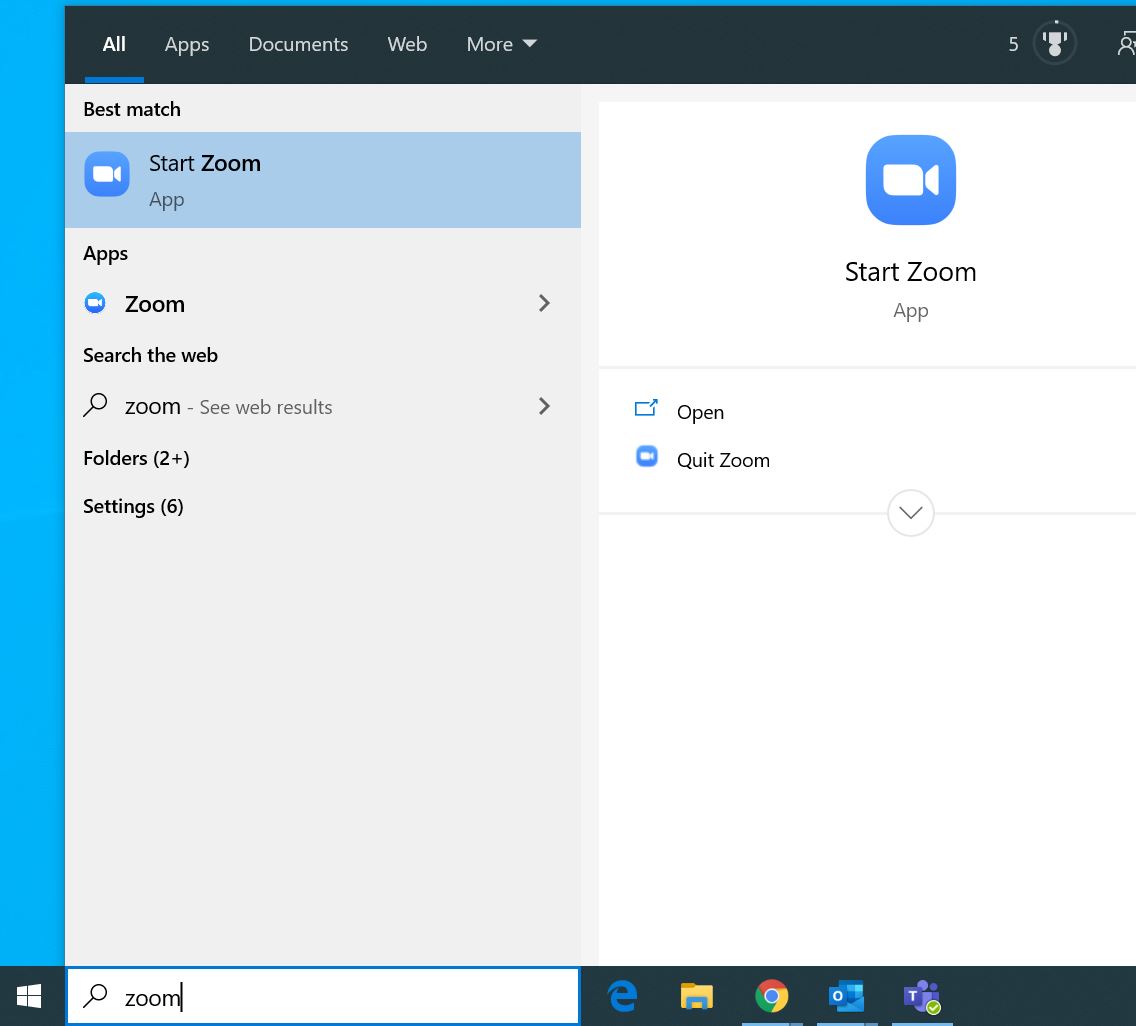
Open the Zoom Application
-
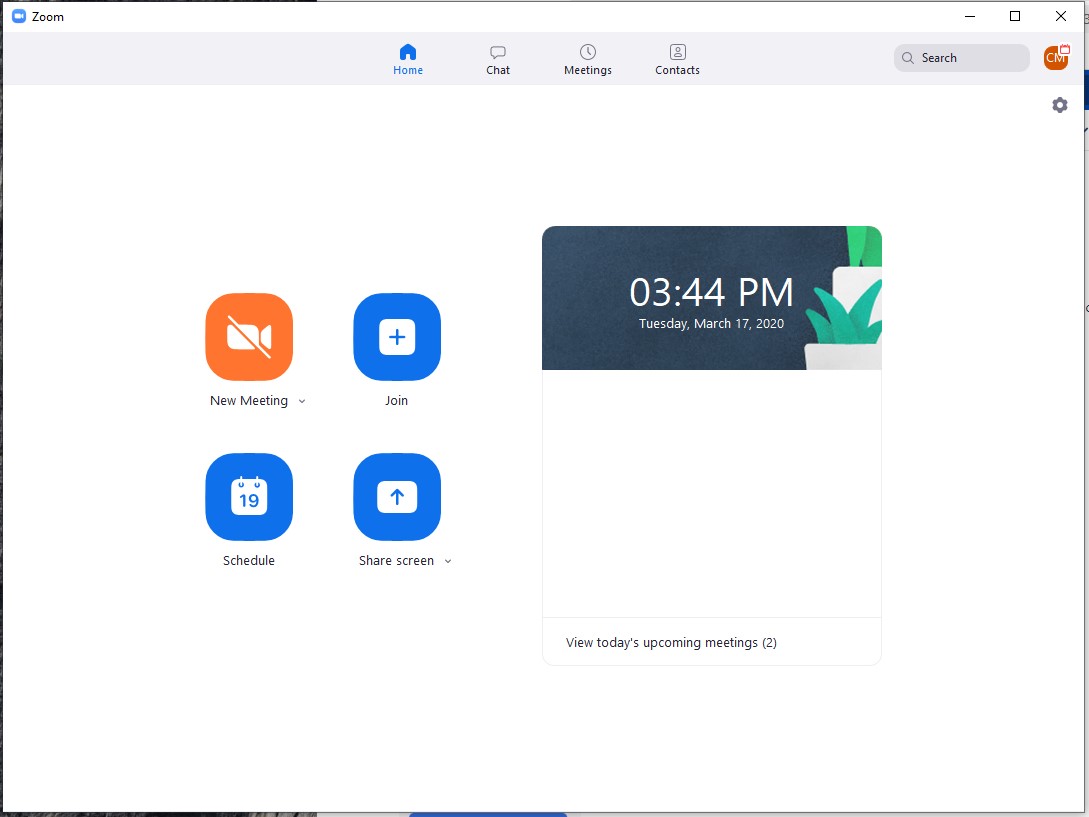
On the home screen click the Icon in the upper right
-
The email address should be (Username)@students.pccc.edu, (Username)@adjuncts.pccc.edu or (Username)@pccc.edu
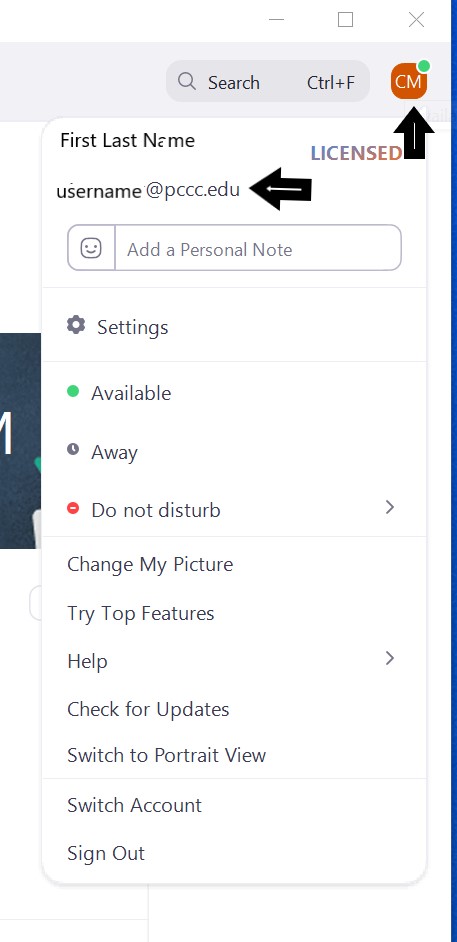
If (Username)@students.pccc.edu or (Username)@pccc.edu is not displayed, Click "Sign out" and follow the directions for Sign into Zoom with PCCC Credentials