
For students who wish to view courses they have registered for.
Step-by-step guide
For viewing course registrations:
-
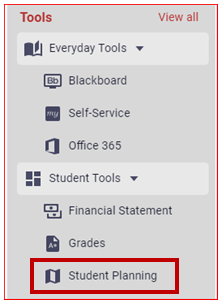
Click on "Student Planning", located under the Student Tools menu on the left-hand side.
-
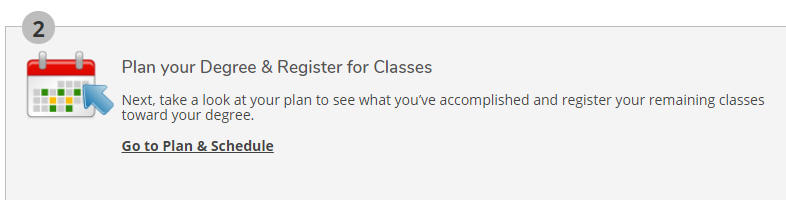
Click on Go to Plan & Schedule
-
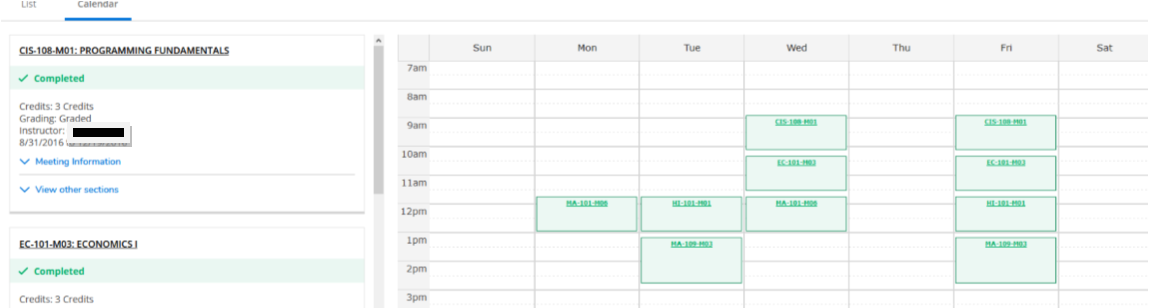
The courses you registered for will be listed in green.
Please contact the Center for Student Success for additional assistance.
Related articles