
For students who need to view their Financial Aid in the Self Service section of their PCCC Portal account.
Step-by-step guide
Login to the My PCCC Portal from a web browser (Chrome, Safari, Firefox, Edge ...)
-
Click on "Self-Service", located under the Everyday Tools menu on the left-hand side.
-
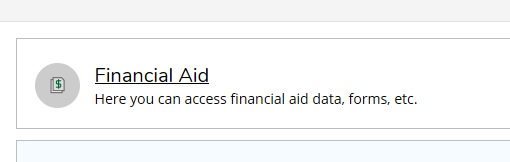
Click on the "Financial Aid" tile.
-
Hover over the "Financial Aid" menu at the top of the screen and click on "My Awards":
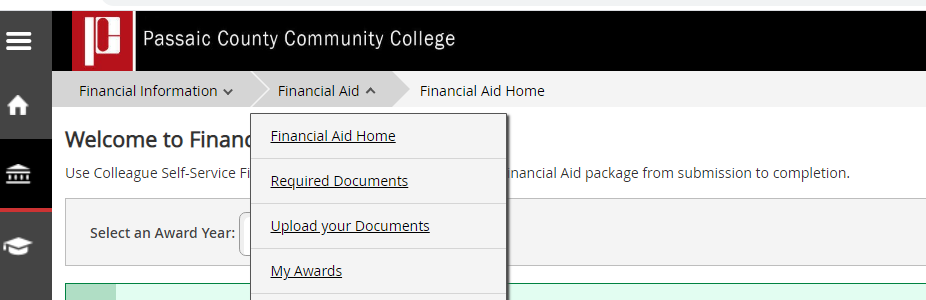
Financial Aid - Self Service
Student can also access the following items while in Self Service:
-
Required Documents
-
Awards
-
SAP Progress
-
Federal Shopping Sheet
Related articles