
🤔 Problem
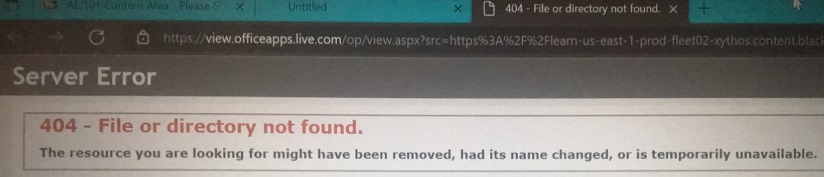
Users cannot open attached files in Blackboard, particularly when using Edge as the browser. Users may see a 404 error that says “File or directory not found.”
🌱 Solution
Try one of the following solutions:
-
If you are using Microsoft Edge as your browser, switch to Firefox, Chrome, or Safari.
-
Right click on the attached document and select “Save as” to download the document and open it later.
-
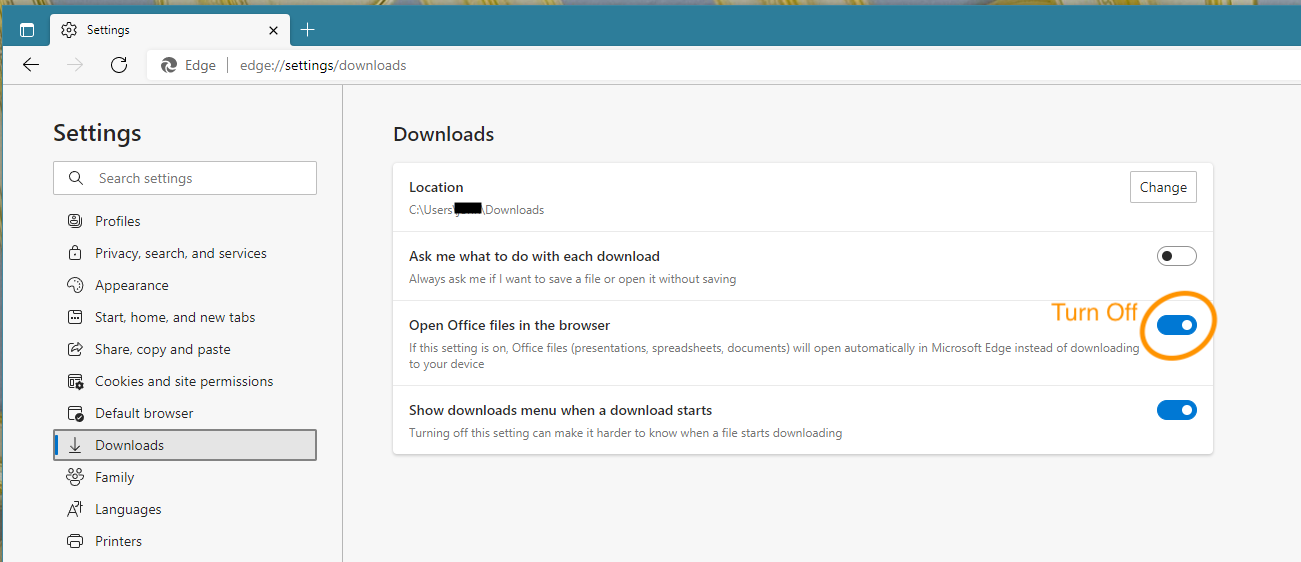
If you must use Edge, there is a workaround:
-
Open Edge settings
-
Select Downloads
-
Set “Open Office files in the Browser” to Off
-
It is best if you install Office 365 on your device: Download and Install Office 365