
Problem
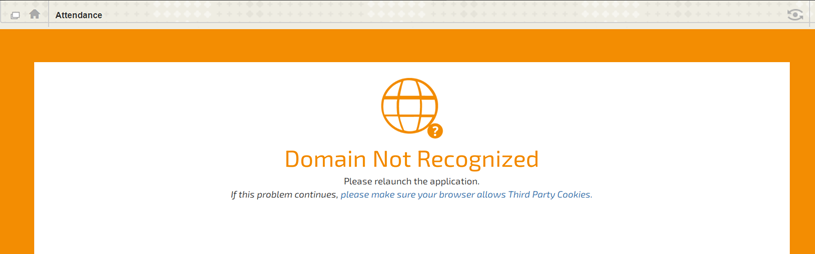
Instead of the expected starting page an error message appears when entering the Blackboard course. For example
Solution
Change the course Entry Page to a legitimate non-empty, not hidden content area.
Follow these steps:
-
Open the folder navigation window found on the left side.

-
Select a content area, such as Start Here or Email from the folder navigation window.
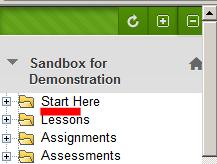
This will bring back the course menu (assuming you are in full screen mode).
-
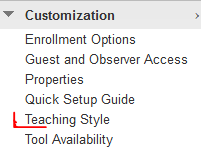
Change the course entry page from the Control Panel by selecting Customization → Teaching Style.
-
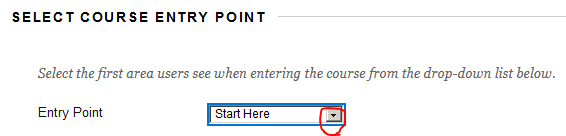
Select Start Here or another viable content space as the Entry Page.
Related articles