
How can I tell which classes are offered online?
Step-by-step guide
For searching our course catalog for online courses:
-
Go to our Course Catalog.
-
Click on the Advanced Search button:
-
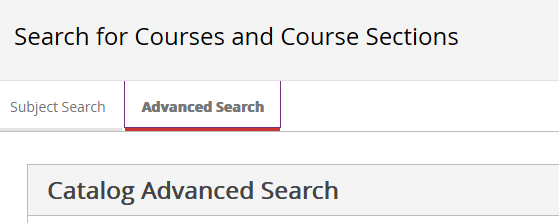
Advanced Search Button Screenshot
-
-
Scroll down to Location and choose "On-Line":
-
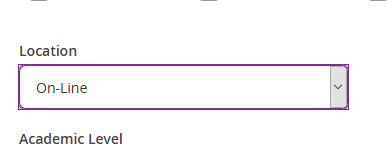
Location Drop Down Screenshot
-
-
Scroll to the bottom and click Search:
-
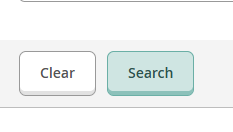
Search Button Screenshot
-
-
Click on View Available Sections for the course you are interested in (ex: AC-205).
-
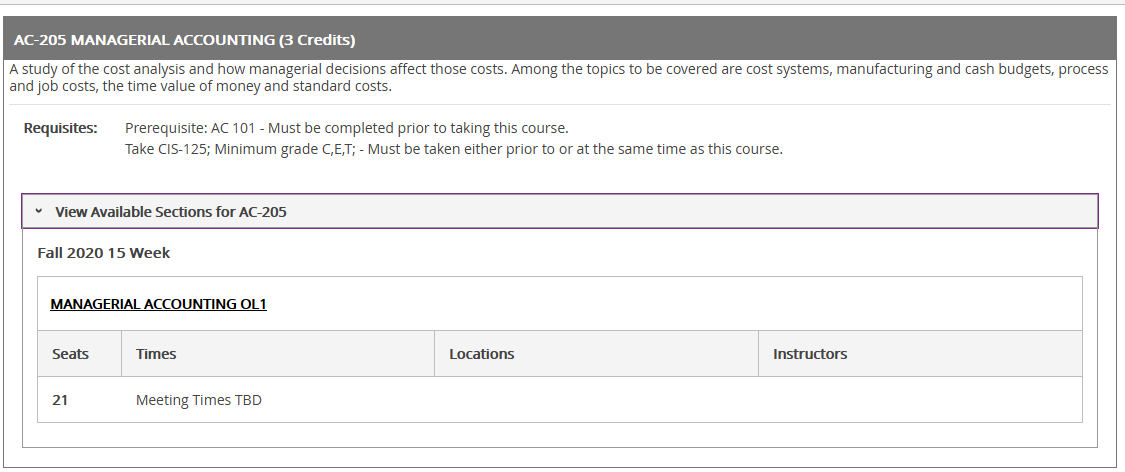
View Available Sections Screenshot
-
Section Code for Online Courses
Section codes for online courses start with OL (ex: OL1, OL2, etc...)
Related articles